
Retain talent. Put your values into practice.




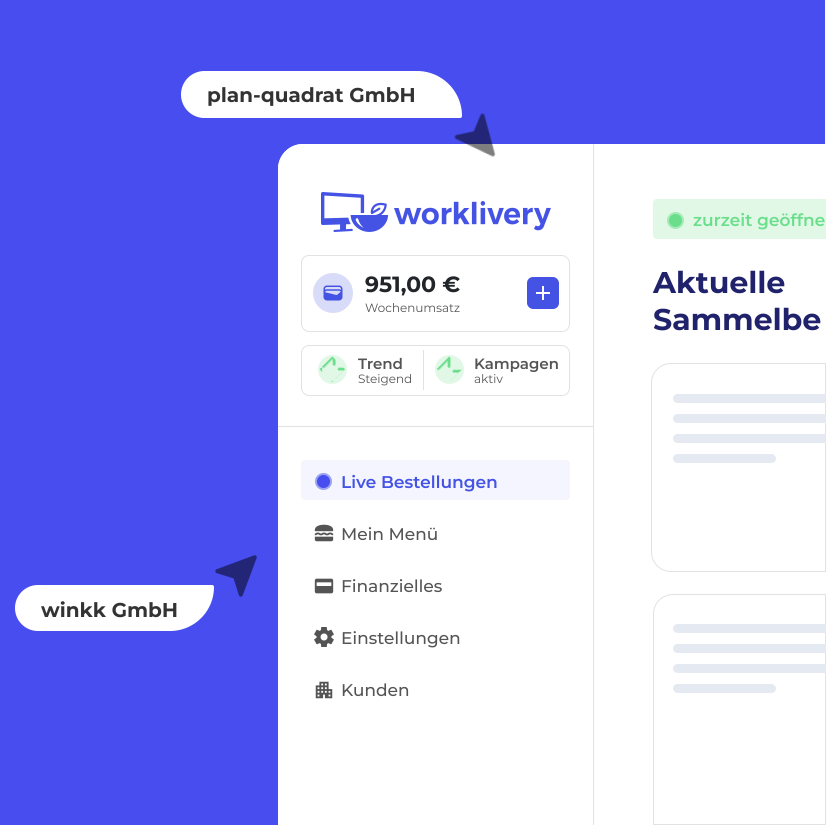
Get to know worklivery






David Huber
Sales @worklivery

Meal allowance
Set the allowance directly in the platform, where it is applied correctly and displayed clearly.
Companies stay in control, and employees can see exactly how they benefit.
2025
2024
Allowance
EUR 120.00
Support

Our team is always available if you have questions or run into problems.
The integrated live chat gives companies and employees fast, personal support directly within the platform.
worklivery Help Centre
Live chat
We usually reply within 2–3 minutes.
FAQ
Answers to common questions
Can’t find your favourite restaurant?
We’ll check the connection options and take care
of the integration.
Step 1
Getting started with worklivery is easy.
In a short conversation with our sales team, we’ll discuss your needs and show you how worklivery can fit into your working day.

Book a quick demo and agree on a start date. Personal, with no obligation.
Step 2
Once you’re set up, choose your preferred restaurants and configure your team.
Employees receive their own accounts and are automatically connected to one another.

Add employees, assign roles and set individual meal allowances.
Step 3
worklivery is designed to work without any training.
Your team can place group orders and use their meal allowance from day one.
Set the order details, start a group order and notify your team through the app.